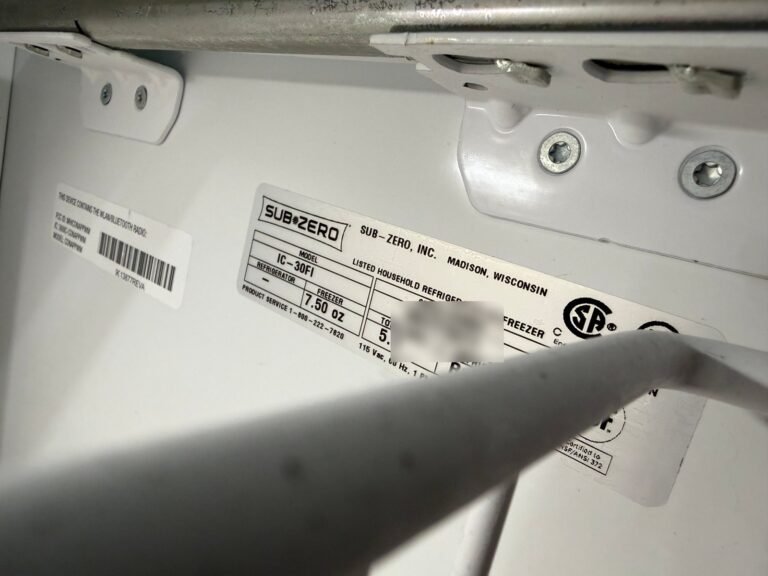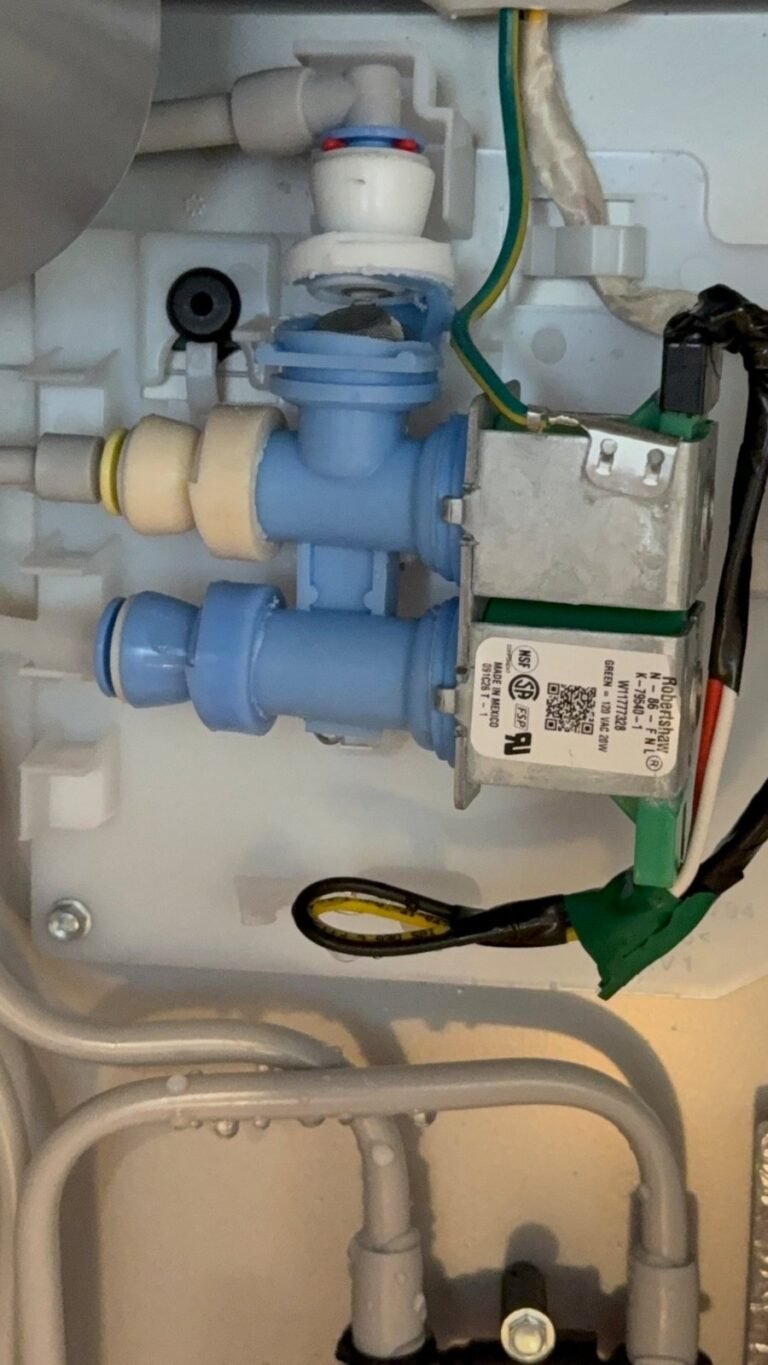
KitchenAid Microwave F6 Error? What It Means and How We Fixed It
If your microwave just stopped and flashed a KitchenAid microwave F6 error, you are not alone. This code usually shows up at the worst moment, right when you need to reheat dinner. The good news is that F6 points to a specific part, and in many cases the fix takes a single visit. Below we explain what the code means, share a real repair our team did this week in San Diego, and cover what you can safely check yourself before you call for help.
Table of Contents
KitchenAid microwave F6 error: what it means
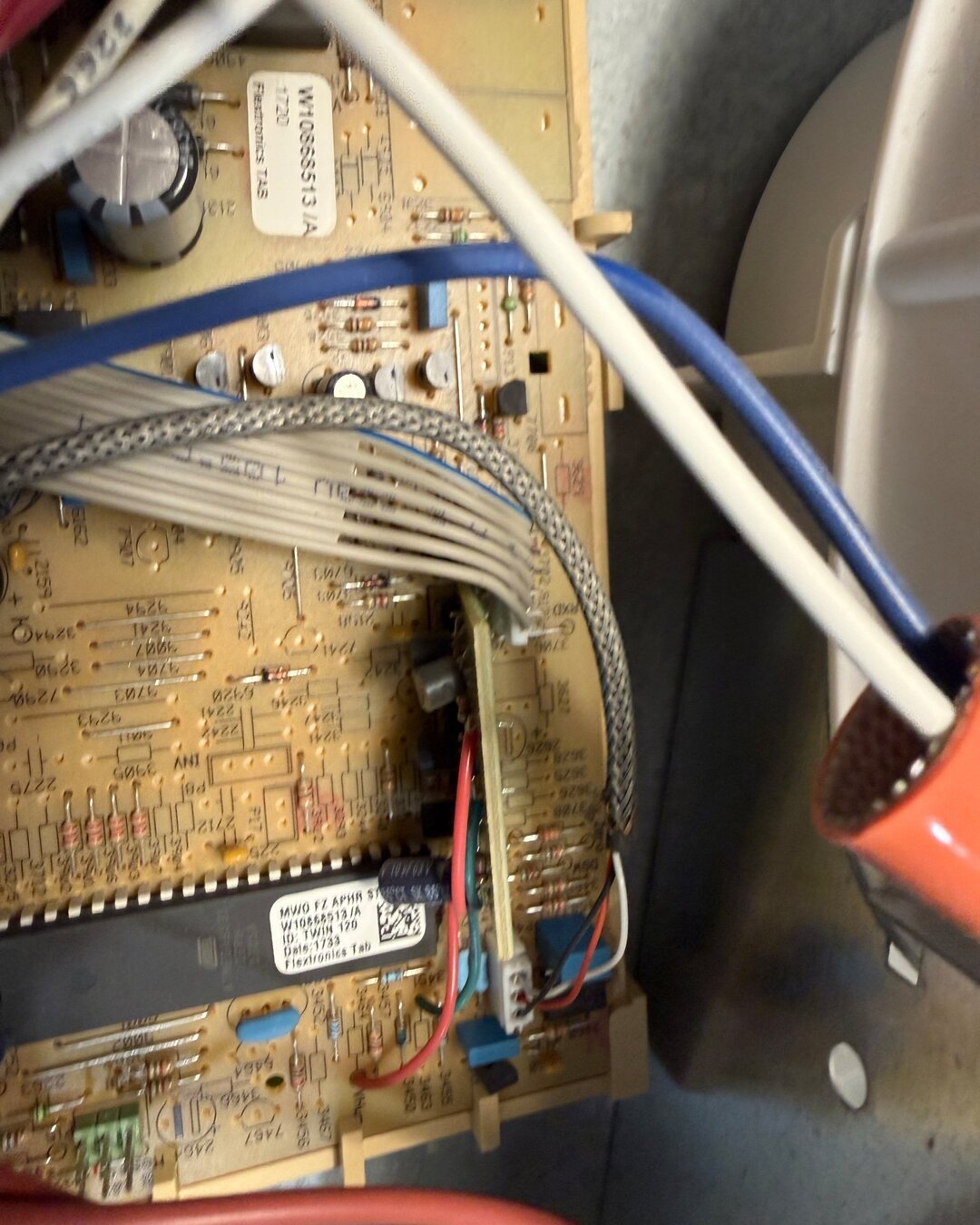
On KitchenAid microwaves, F6 points to the relay control board or its wiring (KitchenAid’s F6 error guide for over-the-range models says the same); codes vary by model, so check your manual.
In plain words, a KitchenAid microwave F6 error means the unit tried to do something, like start heating or run the fan, and the electronics could not finish the job. The relay board switches power to the parts that do the real work, such as the magnetron, the fan and the turntable motor. When a relay sticks, burns out or loses its connection, the main control sees the failure and shows F6 on the display.
A countertop unit, a built-in unit and an over-the-range model may use the same code for different problems, so look up your exact model in the use and care guide. The model number is usually printed on a label inside the door frame.
A real repair this week in San Diego
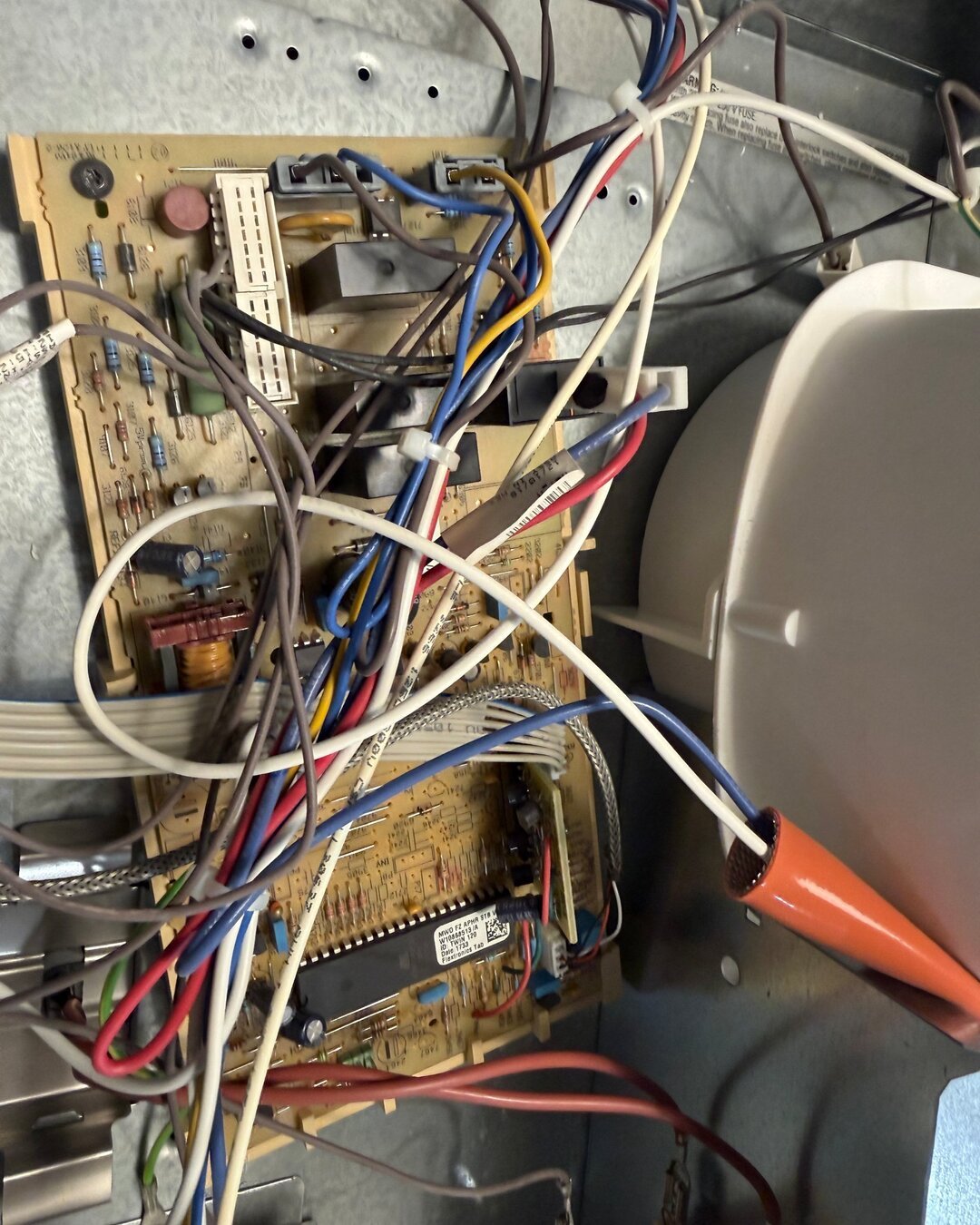
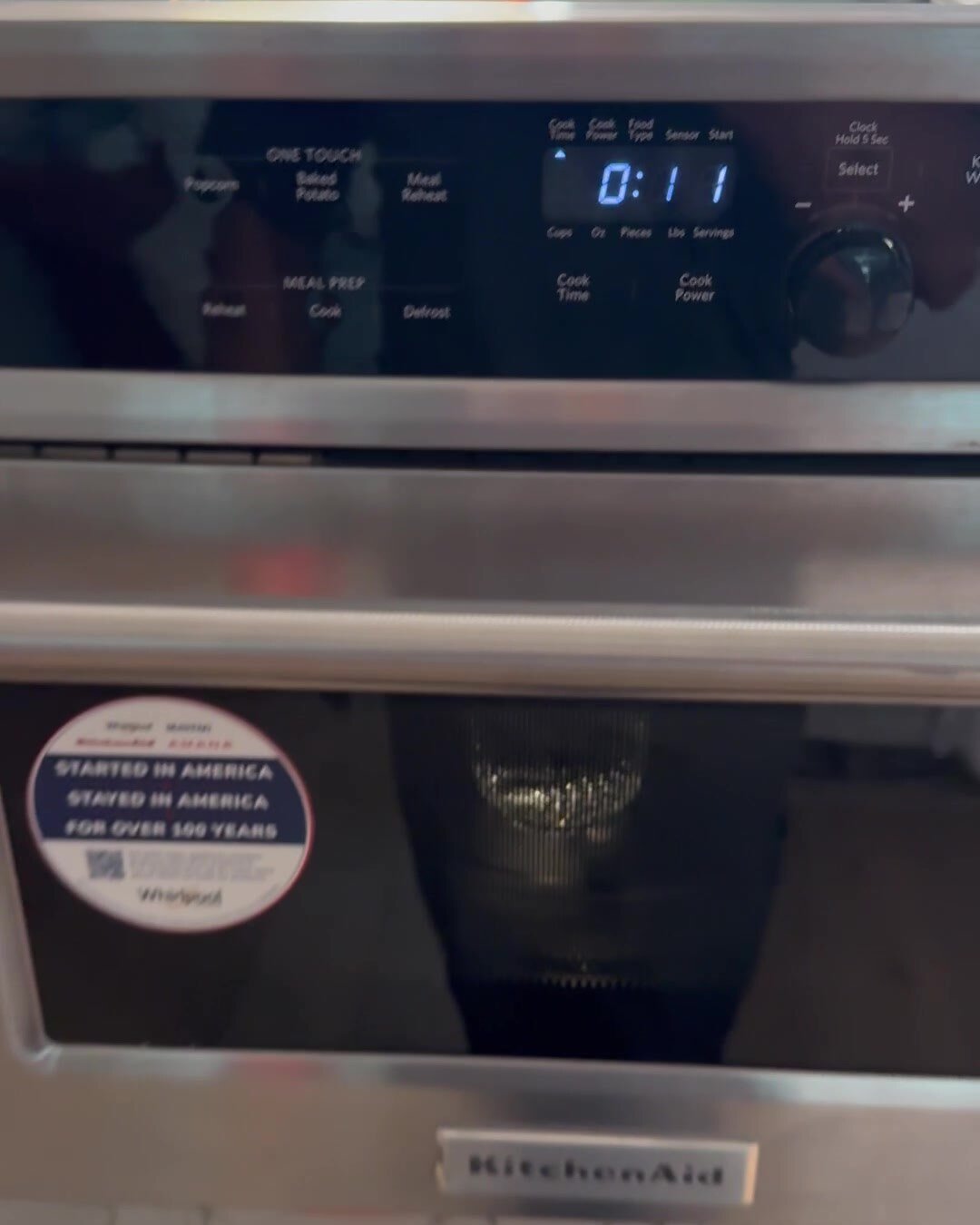
This week we were called to a built-in KitchenAid microwave in a San Diego kitchen. It had stopped working, and every time the owner tried to use it, the display showed F6 and nothing happened.
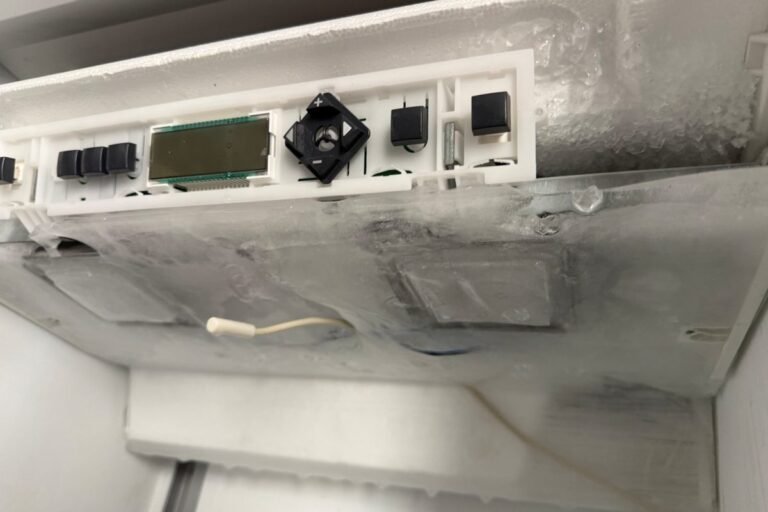
Our technician ran a full diagnosis and confirmed that the control board had failed. They replaced the control board, then tested heating and checked every button and function to make sure everything worked the way it should. The microwave was back in service the same visit.
This is a typical story for a KitchenAid microwave F6 error caused by a bad board. Once the right part is on hand, the repair itself is quick, and the customer gets a working microwave without the cost and hassle of buying and installing a new one.
What you can safely try first for a KitchenAid microwave F6 error
Before you book a repair, there is one safe step you can take at home:
- Turn off the circuit breaker for the microwave at your electrical panel.
- Wait about one minute.
- Turn the breaker back on and watch the display for a minute or so.
- Try a short heating cycle with a cup of water.
This simple reset clears temporary glitches in the electronics. Sometimes a power surge or a short outage confuses the control, and a reset is all it needs.
If F6 comes back, stop using the microwave and call a technician. Running it over and over with a failing board can make the problem worse and turn a simple repair into a bigger one.
Safety first: why not to open a microwave yourself
It is tempting to take the cover off and look at the board yourself. Please don’t. A microwave stores high voltage in its capacitor, and it can hold that charge even when the unit is unplugged. Touching the wrong part can cause a serious electric shock.
Over-the-range models add another risk: they are heavy and mounted above the cooktop, so taking one down without help can lead to injury or damage to your cabinets. Repairs inside the cabinet should be done by a trained technician who knows how to discharge the capacitor and test the parts safely.
Other signs of a failing control board
The F6 code is not the only clue that the control board is wearing out. Watch for these signs:
- Buttons don’t respond, or you have to press them several times.
- The display flickers or goes blank.
- The microwave runs (the light is on and the turntable spins) but the food doesn’t heat.
- Error codes come back after a reset.
If you notice one or more of these along with a KitchenAid microwave F6 error, the board and its wiring are the first things a technician will check.
Repair or replace?
Many people assume a broken microwave means buying a new one. For a small countertop unit, that can make sense. For built-in and over-the-range models, the math is different. Replacing a control board often costs much less than a new microwave plus installation, and installing an over-the-range unit is a job of its own, with mounting brackets, venting and a second person to lift it.
Our technician will diagnose the problem and give you the exact price before any work begins. If a repair doesn’t make sense for your microwave, we will tell you that too. You can learn more about our microwave repair in San Diego, and if your oven is acting up as well, see our guide on oven not heating.
KitchenAid microwave showing F6? Book same-day microwave repair
The service call and diagnostic is $89.95, and it is credited toward the repair if you approve it within 10 days. Repairs start from $189 plus parts, and every repair comes with a 30-day warranty on replaced parts and labor. Book online and save $20, or call us at (858) 225-1715.
Frequently asked questions
What does F6 mean on a KitchenAid microwave?
On KitchenAid microwaves, F6 points to the relay control board or its wiring. KitchenAid’s guide for over-the-range models says the same. Codes vary by model, so check the manual for your model.
Can I fix a KitchenAid F6 error myself?
You can safely try one thing: turn the breaker off for about a minute and back on. If the KitchenAid microwave F6 error returns, stop using the microwave and call a technician. Do not open the cabinet, because the capacitor can hold high voltage even when the unit is unplugged.
How long does a microwave control board repair take?
Usually one visit once the part is available. The technician confirms the diagnosis, replaces the board, and tests heating and all functions before leaving.
— The Optimus Appliance Repair team